
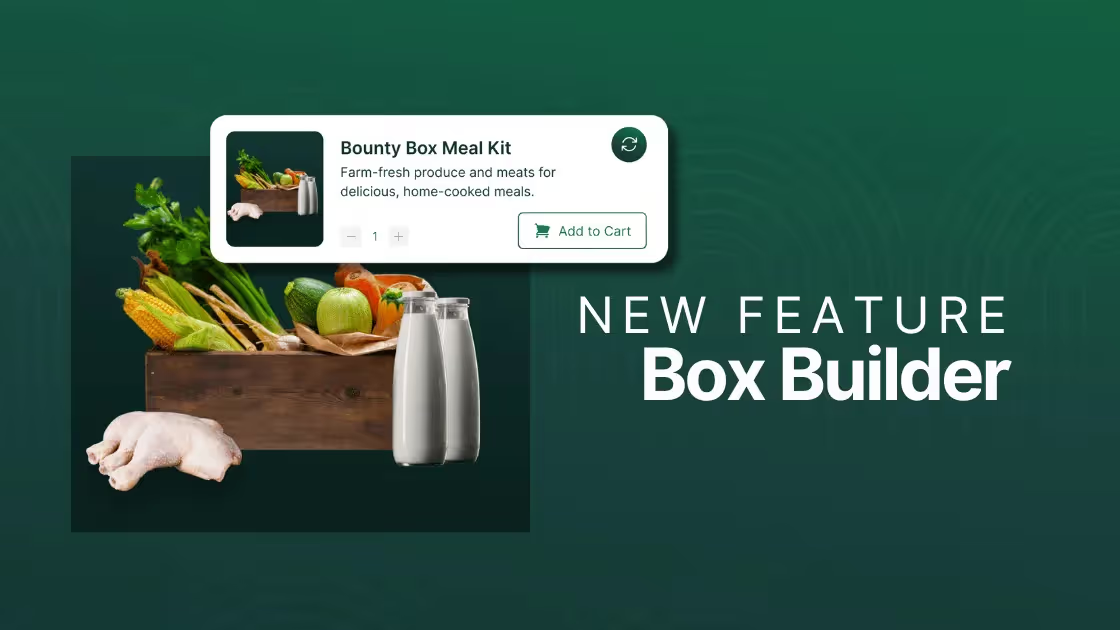
Growing a profitable farm or food hub with limited resources is no small feat. You're balancing production, operations, customers, and 100 other things. You need a software platform that brings some clarity to the chaos without restricting the unique ways you make sales.
That's why we're excited to introduce Local Line's new Box Builder, which allows you to bundle products into box purchases. Box Builder will help you increase sales, fulfill orders faster, and simplify inventory management. Here’s a breakdown of what the Box Builder does and how it can benefit you.
What is Box Builder?
Box Builder lets you bundle various products into “Boxes” or curated packages, such as seasonal boxes, beef clubs, CSA shares, holiday bundles, or subscription packages. These boxes can include a mix of products, and you can adjust the contents to suit seasonal changes or customer preferences.
Why we built Box Builder
Fighting to make family farms profitable
Box Builder has been a highly requested feature among our customers, including produce growers, food hubs, and ranches, because it helps them more directly compete with traditional grocery stores and popular meal box programs.
Box Builder also helps solve a common challenge: food waste. By allowing farms to bundle products into curated boxes, items that might otherwise be wasted can be sold in a box, reducing waste while boosting order value. This also gives ranchers and meat producers the flexibility to implement tongue-to-tail boxes, using every cut from the animal.
Finally, Box Builder integrates seamlessly with our subscription functionality, which enables you to offer subscription boxes.. Whether you’re running a CSA or simply want to offer specialty bundles on your storefront, Box Builder adjusts to your unique workflow and makes it easy to create, manage, and sell boxes without extra setup.
With Box Builder, small farms now have access to top-tier technology to create curated boxes that rival their competitors. By offering this flexibility, farms can create seasonal boxes, specialty meal kits, or run their CSA program, capturing the convenience customers love in the box model—while keeping it local.
The benefits of boxes and bundles
Boxes are more than just a trendy way to deliver your products—they are a strategic tool to boost your farm's efficiency, profitability, and customer satisfaction. Here are some key benefits of incorporating a box program into your farm's operations:
1. Move unpopular or excess inventory
Farm boxes allow you to turn surplus or less popular items into valuable sales. Rather than letting products go to waste, you can bundle them in a box, allowing you to market them as a new product altogether.
Tip: if you have a best-seller. Consider bundling it with less popular items and selling it only as a part of the bundle. This can help drive interest.
2. Increase your average order value
When you bundle products together, you increase the perceived value. Customers are likely to spend more when they feel they’re receiving a diverse selection of products in one go, i.e. why order a selection of meats separately when I can get The Farmer’s Choice Box for one set price? The reality is that by choosing the box, the customer is more likely to spend more than if they were to select individual cuts.
3. Streamline record keeping for CSA boxes
Accurately track how much of each item you sell throughout your CSA season. With proper record keeping, you’ll know exactly what went into each box and how much your inventory moves each week. This makes planning for next year much easier. You’ll be able to easily review best sellers, box profitability, and plan to maximize the margins of next year's box offerings.
4. Reduce manual work
Each box tracks inventory independently of individual product packages, allowing accurate stock management without manually updating quantities. When you adjust a box's contents, these updates reflect automatically in future orders, which reduces hours of manual work.
Setting up boxes in Local Line
👉 If you currently use Local Line, click here to start building your first box!
To start using Box Builder, log into your Local Line account and navigate to the Products dropdown menu in the side navigation bar. Select Boxes, then click on the Create Box button at the top-right. This will bring up a setup screen with several customization options that make it easy to design your box exactly how you want.
Box information and details
In this section, you’ll enter the main details about your new box, including:
- Box name: Choose a name that gives customers a clear idea of what’s inside (e.g., Farmer’s Selection or CSA Veggie Box).
- Description: Add a brief description to highlight the box’s purpose or seasonal appeal, which can help set customer expectations.
- Keyword tags: Assign tags to improve search and organization in your storefront. Examples include Seasonal or CSA.
- Images: Upload up to five photos to provide a visual preview, which can be especially enticing to customers.

Adding packages to your box
Next, you’ll need to add the packages you want in your box:
- Click Add Contents to access your product list. From here, select which products to include, such as individual packages of produce, jars, or other farm products.
- Quantities and prices: You can adjust quantities for each item within the box, and the tool will automatically calculate the total cost. You’ll also have control over the final box price, allowing you to set it higher or lower than the total cost for additional flexibility.

Inventory tracking for boxes
Inventory management is straightforward with Box Builder:
- Track inventory toggle: When enabled, this setting will draw down the box’s inventory as orders come in, ensuring you don’t oversell.
- Notification options: Set alerts to notify you when inventory is low or when the box is sold out, which is helpful for restocking popular items or making adjustments to box contents.
Pricing and price lists
You can control how the box is priced and which customer groups can access it:
- Base price vs. Total product cost: The box price can be set manually, allowing you to price it based on perceived value rather than cost alone.
- Price lists and adjustments: Assign your box to specific price lists (such as your CSA or a public price list), allowing for price adjustments by list if you want to offer special discounts.
Setting subscription options
Subscription Settings allows you to define how customers can purchase the box:
- Subscription eligibility: Select which price lists allow subscription options, making it easy to offer recurring purchases.
- One-time or subscription-only: Choose if the box should be available as a one-time purchase, a subscription, or both, depending on customer preferences.
Managing visibility and approval settings
You control visibility and approval requirements for your boxes:
- Visibility toggle: Decide when to make your box visible on the storefront, ideal for managing seasonal offers or limited-time boxes.
- Order approval: If a box requires manual adjustments (such as weighing fresh items), enable “Needs Approval” to review orders before finalizing payment.
Maintaining and updating boxes
After setup, you can manage and update your boxes from the Boxes table, which displays all your current boxes along with inventory levels, visibility, and pricing. Here, you can update inventory, change visibility, and adjust contents if needed. Each order that includes a box will also reflect the latest version of its contents, making it easy to keep your offerings current without manual order adjustments.
Start building boxes with Local Line
Box Builder provides a straightforward way for farms and food hubs to improve customer satisfaction and profitability. From boosting revenue to simplifying inventory tracking, learn how Box Builder can help your sales grow by chatting with our team.

.avif)
.jpg)